
Last updated: October 27, 2026
The game is tied with two minutes left. Then the picture freezes and the spinning circle appears. If that keeps happening, you don’t need more channels. You need IPTV stable enough for live sports.
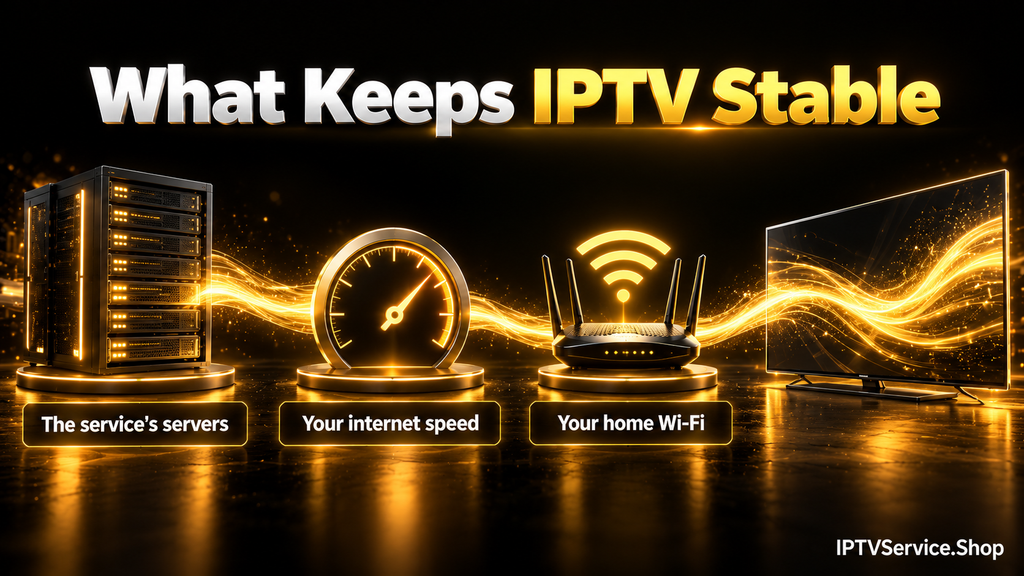
IPTV stable enough for live TV means channels that start in a few seconds and keep playing through a full game without freezing. It depends on the service’s servers, your internet speed and your home Wi-Fi. Official US live TV services ask for 7 Mbps for one HD stream and 13 Mbps with other devices online.
This guide shows the real speed numbers from official sources, what “99.9% uptime” means in minutes and a simple test you can run at home.
Key Takeaways
- Live TV services ask for more speed than on-demand apps. YouTube TV and Fubo ask for 7 Mbps for HD. Netflix asks for 3 Mbps for 720p.
- The “20 Mbps for HD” figure you see in some answers does not match any of the five official sources we checked.
- A service with 99.9% uptime can still be down for about 44 minutes a month.
- The only honest way to find stable IPTV is your own test during a busy live game.
What Makes IPTV Stable?
A stable IPTV service plays live TV the way cable does. You press a channel and it opens within a few seconds. Then it keeps playing for the whole game. If you are new to how the streams reach your TV, our guide to how IPTV works explains the basics.
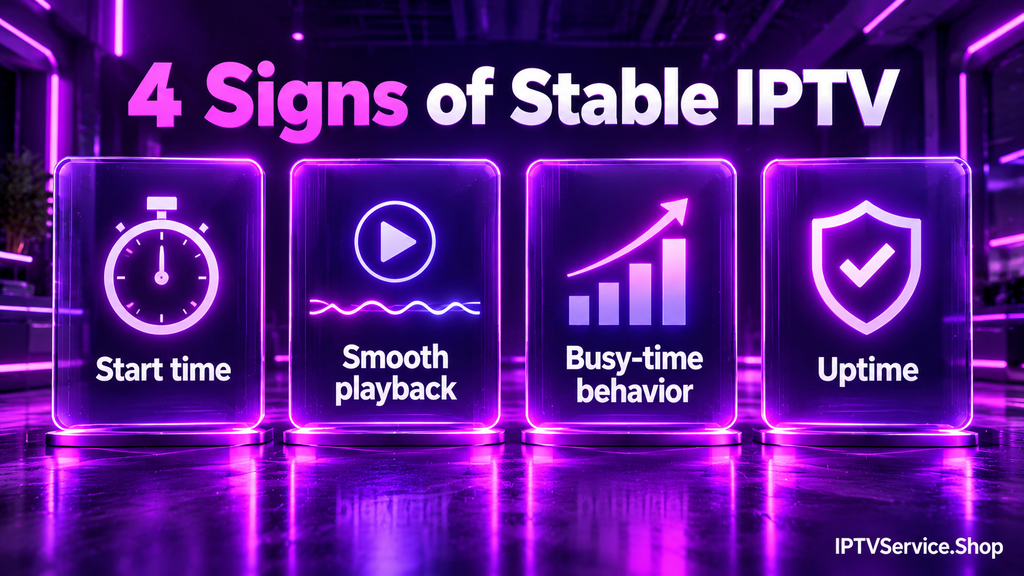
You can judge stability by four things you see on screen:
- Start time: a channel opens in a few seconds.
- Smooth playback: no freezing or spinning circle during a full game.
- Busy-time behavior: it still works when many people are watching.
- Uptime: the service is rarely down. When it is, it comes back quickly.
The number of channels has nothing to do with stability. A list of 30,000 channels is useless if the one you want freezes.
Why IPTV Isn’t Stable: The Common Causes
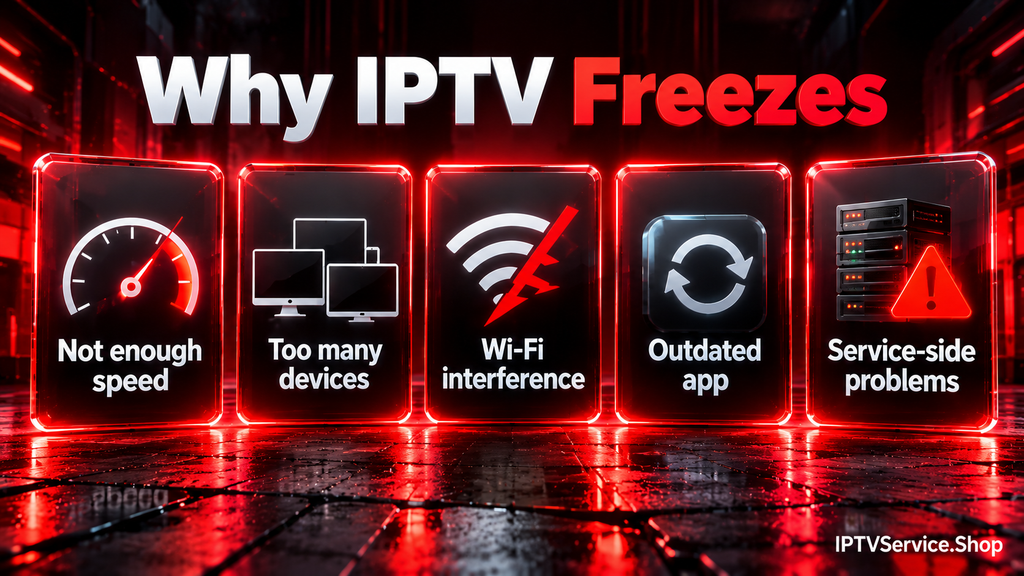
YouTube TV’s help center names the main causes of live streaming problems: internet congestion, Wi-Fi interference and too many devices using the network at once. Most buffering on IPTV comes from one of these:
- Not enough internet speed. YouTube TV says that under 3 Mbps its app “may load slowly or rebuffer.”
- Too many devices at once. YouTube TV warns that at 7 Mbps “you may run into some buffering issues” if many devices are streaming at the same time.
- Wi-Fi interference between the router and your TV device.
- An outdated app or system. YouTube TV’s fixes include updating the app and the device’s system software.
- Problems on the service’s side. If a provider’s servers can’t keep up, nothing in your home will fix it. That is why the test later in this guide matters.
IPTV Stable Speed: How Much Internet Do You Need?
For one HD live channel, plan on 7 Mbps. For reliable HD while other devices use the same network, YouTube TV recommends 13 Mbps. For one 4K channel, plan on 25 Mbps.
We put the official speed guidance from five sources side by side. We did not find another page that compares them.
| Source | Type | SD | HD (720p) | Full HD (1080p) | 4K |
|---|---|---|---|---|---|
| FCC (US regulator) | General guide | 3–4 Mbps | 5–8 Mbps | 5–8 Mbps | 25 Mbps |
| YouTube TV | Live TV | 3 Mbps | 7 Mbps (13 Mbps with other devices online) | 7 Mbps (13 Mbps with other devices online) | 25 Mbps |
| Fubo | Live TV | 3 Mbps | 7 Mbps | 10 Mbps | 25 Mbps |
| Netflix | On-demand | Not listed | 3 Mbps | 5 Mbps | 15 Mbps |
| YouTube | On-demand | 1.1 Mbps | 2.5 Mbps | 5 Mbps | 20 Mbps |
Source: FCC Broadband Speed Guide, YouTube TV Help, Fubo Support, Netflix Help Center and YouTube Help, verified October 2026. The FCC and YouTube TV each give one figure for all HD video. Fubo lists its 1080p figure for some on-demand video.
Three things stand out:
- Live TV services ask for more. For 720p HD, Fubo and YouTube TV both ask for 7 Mbps. Netflix asks for 3 Mbps for the same quality.
- Other devices matter. YouTube TV’s 7 Mbps is for one HD stream. Its 13 Mbps figure is for reliable HD “even with other devices using the same network.”
- The popular “20 Mbps for HD” figure is not official. None of the five sources above asks for that much for HD.
Official figures are minimums. Wi-Fi interference and other devices online eat into your speed, so leave some room above them. The FCC also notes that its speeds are “based on running one activity at a time.”
How much speed does your home need?
Add the streams together. Fubo gives its own example: three devices watching 720p at the same time need a constant 21 Mbps or more. Using Fubo’s figures, here are common homes:
| Home | Streams at the same time | Calculation | Speed to plan for |
|---|---|---|---|
| One person | 1 HD (720p) | 7 | 7 Mbps |
| Couple | 2 HD (720p) | 7 + 7 | 14 Mbps |
| Family | 3 HD (720p) | 7 + 7 + 7 | 21 Mbps |
| Sports family | 2 HD (720p) + 1 4K | 7 + 7 + 25 | 39 Mbps |
Source: Fubo Support speed guidance, verified October 2026. Calculations are ours.
Then check your real speed on the TV device itself, not only on your phone.
What Does “99.9% Uptime” Really Mean?
Uptime is the share of time a service is working. Many IPTV providers advertise 99.9% uptime. In minutes it allows more downtime than most people expect.
| Advertised uptime | Possible downtime per month |
|---|---|
| 99% | About 7 hours 18 minutes |
| 99.5% | About 3 hours 39 minutes |
| 99.9% | About 44 minutes |
| 99.99% | About 4 minutes |
Calculation: an average month has 43,830 minutes (365.25 days × 24 hours × 60 minutes ÷ 12). Downtime = 43,830 × (100 − uptime) ÷ 100.
Two lessons follow. First, even a true 99.9% allows almost 44 minutes down every month. Second, an uptime figure tells you nothing about when the downtime happens. Ten minutes down in the middle of the night won’t bother you. Ten minutes down in the last minutes of a game will. That is why a test during a live game tells you more than any uptime number.
The Busy-Time Test for Stable IPTV
You can’t judge stability from a website. You judge it by watching at a busy time. Run this test during any trial before you choose a long plan. The steps and thresholds below are our own suggestions, not an industry standard.
- Pick a busy time. Watch a big live game on a weekend evening.
- Use your real setup. Test on the TV and streaming device you will use every day.
- Time the start. Open ten popular live channels one after another. Note how many seconds each takes to play.
- Watch one channel for 30 minutes. Count every freeze.
- Watch the picture quality. If the picture briefly gets softer and then sharpens again, that is adaptive bitrate streaming keeping the stream going. A full stop is a freeze.
- Check your speed during the game. If it drops below the figures above, the problem may be your connection.
| Check | Good | Warning sign |
|---|---|---|
| Channel start time | Under 5 seconds | Often over 10 seconds |
| Freezes in 30 minutes | 0 to 1 | 3 or more |
| Channels that fail to open (out of 10) | 0 | 2 or more |
| Picture during the game | Brief quality dips | Full stops or black screen |
If a service shows two or more warning signs while your own speed test looks fine, the weak point is probably the service.
How to Make IPTV More Stable at Home
Half of stable IPTV is your own setup. These fixes come from the official help pages of Netflix and YouTube TV. They apply to any streaming app.
- Move the router and the TV device closer together. Netflix suggests putting them in the same room if possible.
- Give the router a better spot. Netflix recommends keeping it in an open space off the floor and away from other wireless devices.
- Restart the router. Netflix and YouTube TV both suggest unplugging it for 30 seconds and then plugging it back in.
- Restart the TV device. YouTube TV suggests turning it off, waiting 30 seconds and turning it on again.
- Update the app and the device’s system software. YouTube TV lists both as fixes.
- Reinstall the app if problems continue. YouTube TV suggests uninstalling and reinstalling its app.
- Check for an outage with your internet provider. Netflix lists this as a step.
If you use a VPN, compare your speed with it on and off. Our guide to VPNs for IPTV covers when a VPN is worth using.
Source: Netflix Help Center and YouTube TV Help, verified October 2026.
The Honest Limits of IPTV Stability
Every streaming service over the internet has limits. Knowing them helps you judge any provider fairly.
- No service can promise IPTV without buffering 100% of the time. YouTube TV says that delays “can happen even when you have a great network.” Tools such as content delivery networks help reduce the problem. They don’t remove it.
- Live TV runs behind the real event. YouTube TV explains that a lower broadcast delay leaves the player less video in reserve, which makes interruptions more likely. A small delay is part of what keeps a live stream smooth.
- Your home network is part of the result. The best service can’t fix a weak Wi-Fi signal.
None of these are deal-breakers. They are simply the reason a real test beats any promise.
Use legal, licensed services and check the rules where you live.
Frequently Asked Questions
What is the most stable IPTV?
There is no single answer for every home. The most stable IPTV for you is the one that passes a busy-time test on your own device and connection. Test during a live game before you choose a long plan.
What’s the most reliable IPTV?
Reliability means few outages and quick recovery. Uptime claims alone don’t prove it, because 99.9% still allows about 44 minutes down a month. Watch how a service performs during several busy evenings.
Why does my IPTV keep freezing or lagging?
YouTube TV names internet congestion, Wi-Fi interference and too many devices online as common causes. Check your speed on the TV device first. Then move the router closer and restart it.
Why does my IPTV keep buffering?
The most common reason is not enough steady speed. YouTube TV says its app may rebuffer under 3 Mbps. Buffering can also appear when many devices stream at once on a slower connection.
Is IPTV not working or still down?
Check whether your internet works in another app first. Then restart the app and the TV device. If only one service fails, check your login details and contact that provider.
Does restarting the router help with IPTV buffering?
It is one of the first things to try. Netflix and YouTube TV both suggest unplugging the router for 30 seconds and plugging it back in.
What internet speed do I need for stable IPTV in 4K?
Plan on 25 Mbps for one 4K stream. That is the figure the FCC, YouTube TV and Fubo all give. Add more for every other stream in your home.
Final Thoughts on Keeping IPTV Stable
Keeping IPTV stable is not about the biggest channel list. It is about a stream that keeps playing when the game matters. Check your speed against official figures, read uptime claims in minutes and run the busy-time test before you commit.
Want to understand the difference between IPTV and apps like Netflix? Read our guide to IPTV vs OTT. Which part of your setup causes the most freezing for you? Tell us in the comments.